
Upgrading your single hopper printer with confidence: Simplicity is SMART.
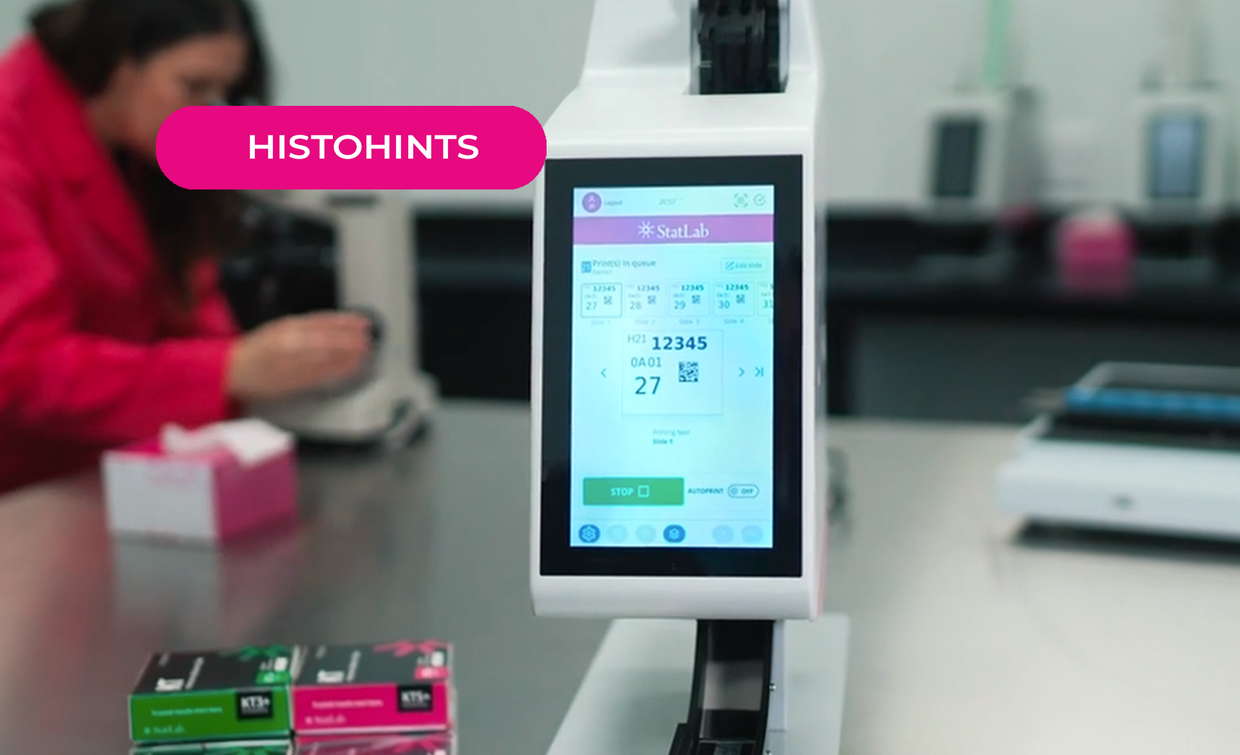
If your lab is still relying on an aging single hopper slide printer, you’re not alone. Slides constantly jamming, software running super slow and outdated or unsupported are signs it may be time for a new printer.
Ideally, you’re planning ahead before it fails and causes workflow interruptions. But the idea of upgrading equipment – dealing with possible downtime,installation, and retraining – can feel overwhelming.
But the idea of upgrading equipment – dealing with possible downtime, installation, and retraining – can feel overwhelming. That’s why choosing a next generation single hopper slide printer designed for simplicity and reliability is a SMART move. It’s so smart, it’s PiSmart.
Looking for a smooth transition? Here are key features to consider when upgrading your single hopper printer:
Simple Integration
Upgrading to a new single hopper should be simple and stress-free to keep your lab running without missing a beat. Choose a model, like the PiSmart S1, with a modern, user-friendly interface designed for intuitive operation and streamlined workflow. A printer like this will help to reduce training time and minimize user error.
Minimal Disruption
If your lab works with just one type of slide, there’s no need for extra features you don’t need. A reliable single hopper slide printer gives you exactly what you need - no added complexity or wasted resources. If you occasionally need a different slide type, keep an extra hopper on hand with your alternate slide for a quick and easy swap.
Affordable Solution
Why pay for extra hoppers or features that you don’t need or won’t use? A single hopper is cost effective and focused on all you need, offering the functionality you need at a price that makes sense. Ask your rep if a trade-in option is available for an even more affordable solution.
Reliable Performance
Newer models can offer improved durability and print quality. Look for a printer that has a track record of proven reliability including print clarity, contrast, and consistency. Also make sure you are using slides that are compatible with your printer. Read the study on choosing the right slides for your printer.
Tailored to Your Lab
No two labs are the same, and your printer should meet your unique needs. Look for a printer that allows for easy label and barcode creation, integrates seamlessly with your LIS, and has a small footprint for easy placement at each microtomy station.
So, if your printer is on its last legs OR you’re ready for a new one, it’s time to make a SMART upgrade. Check out our Single Hopper PiSmart S1 Slide Printer when making your decision.
Recent Posts
-

KT Slides & Background Staining
Background Whole slide imaging (WSI) is gaining widespread adoption in diagnostic and research path
-

Happy National Histotechnology Professionals Day!
Thank you for the vital role you play in providing the best possible patient care. We see your hard
-

Why HCA Mid-America Division only uses KT slides in their lab.
One lab's story of overcoming tissue wash challenges.