
ORDERING MADE EASY
Why order online?
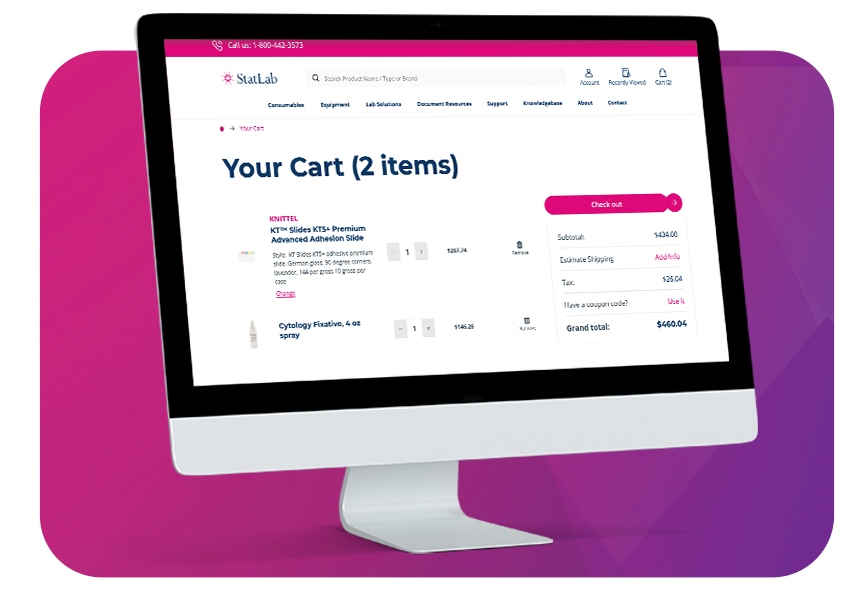
A StatLab ecommerce account allows you to quickly place orders online with your customized account pricing, as well as add users for your account that gives you control over what they can buy, and set limits, or even approve their orders too.
EASY AS 1, 2, 3
Here's how it works.
After registration, within 1 business day you will receive an email with login information—check your junk mail if you don't receive it.
When you login, your account will populate with your custom account pricing and shipping information to make ordering a breeze.
Answers to your questions.
How do I create an online ordering account?
Fill out the form here. A StatLab representative will verify your information and activate your account, usually within 1 business day. You’ll receive an email to set your password once your account is ready.
Online ordering is available to laboratories, hospitals, universities, and other professional medical facilities. Accounts are reviewed to ensure proper licensing and compliance.
Can multiple people at my lab have accounts?
Yes. Multiple users can have web access under the same account. To invite users, within your account portal, go to user management, and add a new user.
How do I add a new shipping address to my account?
Within your online account, go to addresses, and add a new address.
Can I see my account pricing online?
How can I reorder previously purchased items?
StatLab.com offers an easy Reorder feature in your account, allowing you to quickly add items from past orders to your cart. Navigate to the Orders tab of your account dashboard, find the order you would like to reorder, and click the reorder button in the righthand column.
How will I be billed for my online orders?
You can pay for the order either on your account using a PO, or pay with a credit card.
How can I track my order?
If you're already buying online, you can navigate to the orders section of your account to view the status of your current orders. Any customer, regardless of how they buy, can use the Order Tracker to view real-time tracking details. Use your account ID with your Order Number or PO Number to find your order.
How do I download product documentation?
Product detail pages include downloadable PDFs such as Safety Data Sheets (SDS), Instructions for Use (IFUs), and technical specifications. Search for SDSs and IFUs right within the search bar, using the product sku. You can download the SDS or IFU within the search results. CofAs can be accessed here using part number and lot number.
Who do I contact if I need help with my account?
For help with your online account, such as password resets, login issues, adding/removing an address, and adding a user to your account, please contact [email protected]. We’re here to help Monday–Friday, 8 AM–5 PM EST.
For questions and concerns regarding orders, please contact our Customer Service team at 800-442-3573 or email [email protected]. We’re available Monday–Friday, 8 AM–5 PM CST.
I never received my account activation email. What should I do?
Check your spam or junk folder first. If you still can’t find it, contact [email protected] to confirm your email address and receive a new activation link.
Can I share my login with other team members?
For security and accuracy, we recommend each user create their own login tied to your lab’s account. Each user needs a unique email identifier. This ensures proper tracking of orders and permissions. You can add users to your account within your account portal under user management.
I'm having issues checking out. What should I do?
Try refreshing your browser or clearing your cache. If the issue persists, contact [email protected] for assistance.